在现代 Web 架构中,Nginx + FastCGI + PHP-FPM 已成为 PHP 项目生产环境部署的事实标准。相比传统 Apache 模式,该组合在高并发、低内存占用、静态资源处理与动态请求分离上优势显著。
本文从原理、安装、配置、调优、安全、排错六个维度,给出可直接落地的最佳实践,适合 Laravel、ThinkPHP、原生 PHP 等各类项目上线参考。
一、核心原理:Nginx + FastCGI + PHP-FPM 工作流程
- Nginx 接收 HTTP 请求,判断是否为 PHP 动态请求。
- 通过FastCGI 协议将请求转发给PHP-FPM。
- PHP-FPM 调度 Worker 进程执行脚本并返回结果。
- Nginx 接收响应并返回给客户端。
关键结论:
- Nginx不直接解析 PHP,只负责 HTTP 与反向代理。
- PHP-FPM 是 FastCGI 协议的实现,负责 PHP 进程管理。
- 两者通过TCP Socket或Unix Domain Socket通信。
二、环境准备与安装(CentOS/Ubuntu 通用)
2.1 安装依赖
bash
运行
# CentOS/RHEL
yum install -y nginx php php-fpm php-mysqlnd php-opcache php-gd php-mbstring

# Ubuntu/Debian
apt update && apt install -y nginx php-fpm php-mysql php-opcache php-gd php-mbstring
2.2 启动并设置开机自启
bash
运行
systemctl start nginx php-fpm
systemctl enable nginx php-fpm
2.3 验证服务状态
bash
运行
systemctl status nginx php-fpm
三、核心配置:Nginx 与 FastCGI 对接(生产可用)
3.1 推荐目录结构
plaintext
/var/www/项目名/
├── public/            # 对外访问目录(框架必须)
│   └── index.php
├── app/
└── storage/
3.2 Nginx 站点配置(最佳实践版)
创建
/etc/nginx/conf.d/你的项目.confnginx
server {
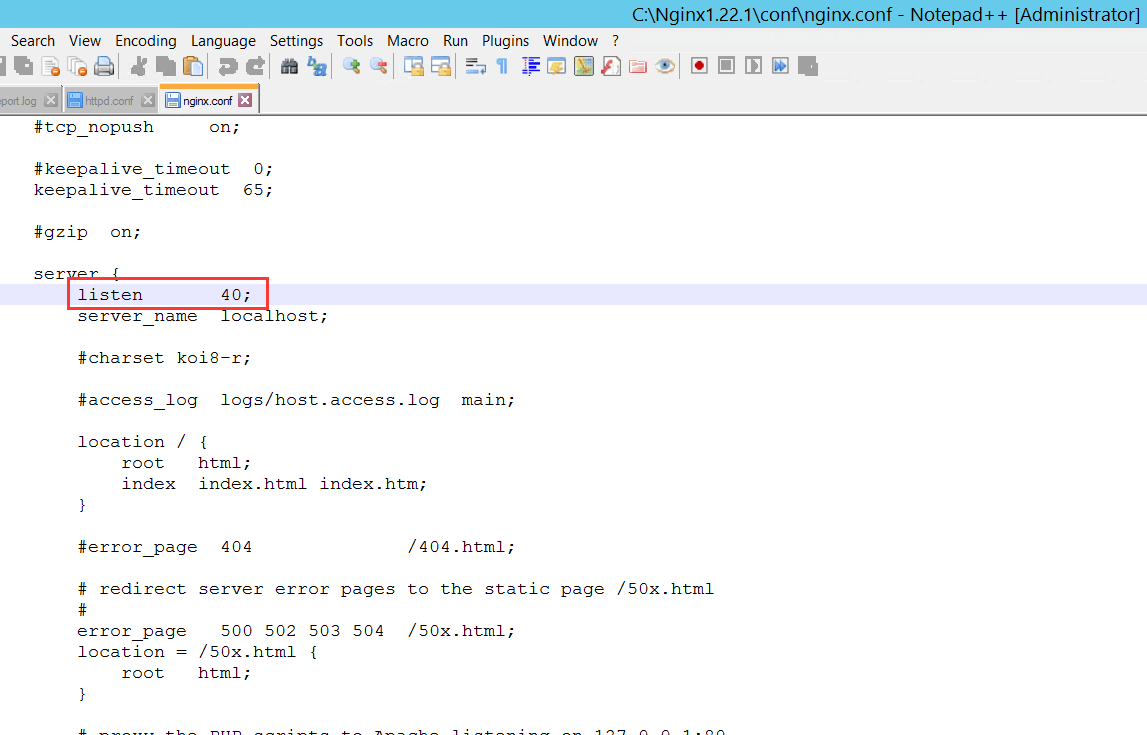
    listen 80;
    server_name example.com www.example.com;
    root /var/www/项目名/public;
    index index.php index.html;

    # 隐藏index.php,支持框架路由
    location / {
        try_files $uri $uri/ /index.php?$query_string;
    }

    # PHP请求转发给FastCGI(PHP-FPM)
    location ~ \.php$ {
        # 关闭路径遍历漏洞
        fastcgi_split_path_info ^(.+\.php)(/.+)$;
        fastcgi_pass unix:/run/php-fpm/www.sock; # CentOS
        # fastcgi_pass unix:/run/php/php8.1-fpm.sock; # Ubuntu
        fastcgi_index index.php;
        include fastcgi_params;
        fastcgi_param SCRIPT_FILENAME $document_root$fastcgi_script_name;
        fastcgi_param PATH_INFO $fastcgi_path_info;

        # 超时与缓冲区优化
        fastcgi_connect_timeout 300;
        fastcgi_send_timeout 300;
        fastcgi_read_timeout 300;
        fastcgi_buffer_size 64k;
        fastcgi_buffers 4 64k;
    }

    # 禁止访问隐藏文件
    location ~ /\. {
        deny all;
    }

    # 静态资源缓存
    location ~* \.(jpg|jpeg|png|gif|ico|css|js)$ {
        expires 7d;
        access_log off;
    }
}
3.3 配置说明
try_files:支持 Laravel/ThinkPHP 路由,解决 404 问题。fastcgi_pass:优先使用Unix Socket,性能高于 TCP。SCRIPT_FILENAME:必须正确配置,否则出现 404/File not found。- 静态资源缓存:大幅降低服务器负载。
四、PHP-FPM 调优(生产必做)
编辑
/etc/php-fpm.d/www.conf(CentOS)或 /etc/php/8.1/fpm/pool.d/www.conf(Ubuntu)ini
; 进程管理方式(高并发用dynamic/ondemand)
pm = dynamic

; 最大进程数(根据内存调整:20M/进程)
pm.max_children = 20

; 启动时进程数
pm.start_servers = 5

; 最小空闲进程
pm.min_spare_servers = 2

; 最大空闲进程
pm.max_spare_servers = 8

; 每个进程最大请求数(防内存泄漏)
pm.max_requests = 1000

; 监听用户与组(与Nginx一致)
user = nginx
group = nginx

; 监听权限(Socket必须)
listen.owner = nginx
listen.group = nginx
listen.mode = 0660
调优公式:
max_children ≈ 服务器可用内存 / 20M
重启生效:
bash
运行
systemctl restart php-fpm
五、安全加固最佳实践
- 权限最小化
bash运行
chown -R nginx:nginx /var/www/项目名 chmod -R 755 /var/www/项目名 - 关闭 PHP 危险函数
ini
disable_functions = exec,passthru,shell_exec,system,proc_open,popen - 开启 open_basedir,限制 PHP 访问目录
- 隐藏 Nginx 与 PHP 版本号
nginx
server_tokens off; - 禁止访问 phpinfo、.env、.git 等敏感文件
六、配置检查与重载
bash
运行
# 检查Nginx语法
nginx -t

# 平滑重启
systemctl reload nginx
systemctl reload php-fpm
测试 PHP:
在public/下创建phpinfo.php
php
运行
<?php phpinfo();
访问后显示 PHP 信息即部署成功。
七、常见错误与解决方案
7.1 502 Bad Gateway
- PHP-FPM 未启动
fastcgi_pass路径错误- Socket 权限不对
- PHP-FPM 进程满了
7.2 404 Not Found
root路径错误SCRIPT_FILENAME配置错误- 框架路由未正确转发
7.3 下载 PHP 文件而非执行
- 未配置
location ~ \.php$ - Nginx 未加载 FastCGI 配置
7.4 权限错误(Permission denied)
- 文件属主不是
nginx - Socket 权限错误
八、性能优化总结
- 使用Unix Socket代替 TCP
- 开启Opcache(PHP 默认自带)
- 静态资源浏览器缓存 + CDN
- PHP-FPM 按内存合理设置进程数
- 开启 Nginxgzip 压缩
- 定期日志切割与监控
九、结语
Nginx + FastCGI + PHP-FPM 是 PHP 项目高性能、高稳定、易扩展的标准部署方案。本文提供的配置可直接用于生产环境,适配单机、集群、Docker 等多种场景。
遵循最佳实践,既能保证访问速度,又能提升安全性,减少线上故障。